コンテンツへスキップ

IT長のネタ帳

Dynamics NAV と Dynamics365 financialを中心にMS製品のネタを提供

  • ホーム
  • Dynamics365
    • Business Central
      • 2021 Release Wave 1
      • 2020 release wave 2 解説
      • LearnのBC コンテンツ補足解説
    • Dynamics NAV
    • Finance and Operations, Business Edition
  • Power Platform
    • Power BI
    • Power Apps
    • Power Automate
  • Office365
    • Excel Tips
  • Azure
  • サイト構築
IT長のネタ帳

カテゴリー: Business Central

Microsoft Dynamics 365 Business Central. Formerly known as ‘Dynamics 365 Financial’, ‘Dynamics 365 Finance and Operations Business edition’.

2021年2月5日 SIN

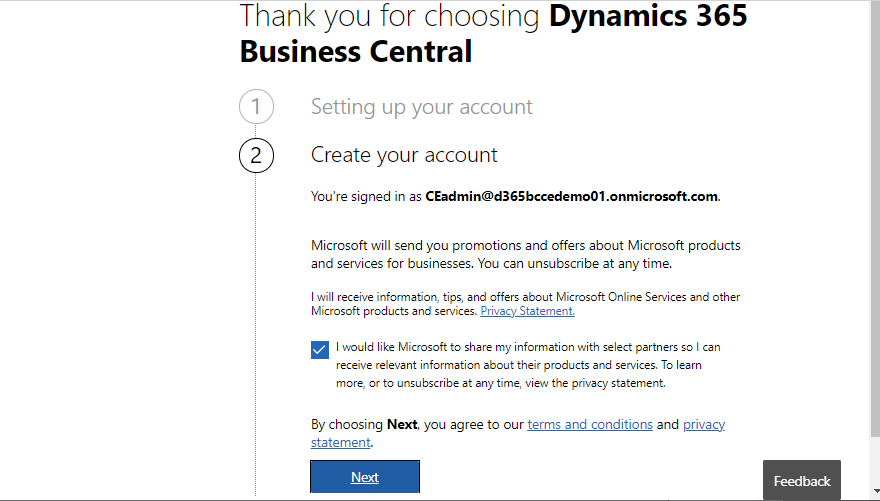
D365BCとD365Salesとの連携(4)

前回はBCのトライアル環境を構築しました。今回はBCとDataverseの連携を設定します。実はBCとSalesを連携する前にBCとDataverseの連携設定が必要です。 「Dynamics」でメニ

続きを読む
2021年2月4日 SIN

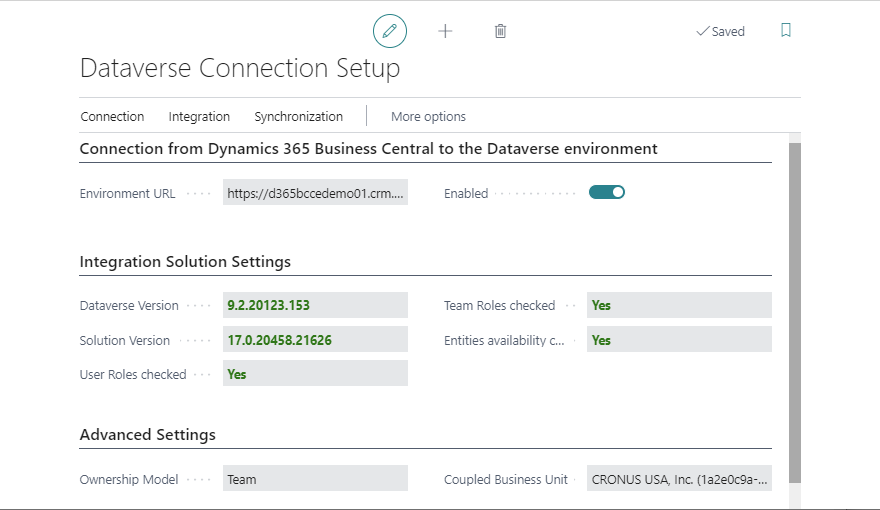
D365BCとD365Salesとの連携(3)

前回に続いて、今回はBCのフリートライアル申し込み手順を説明します。 D365 Salesのフリートライアル申し込みの画面には他のCRM系アプリやFinance & Operationは表示さ

続きを読む
2021年2月3日 SIN

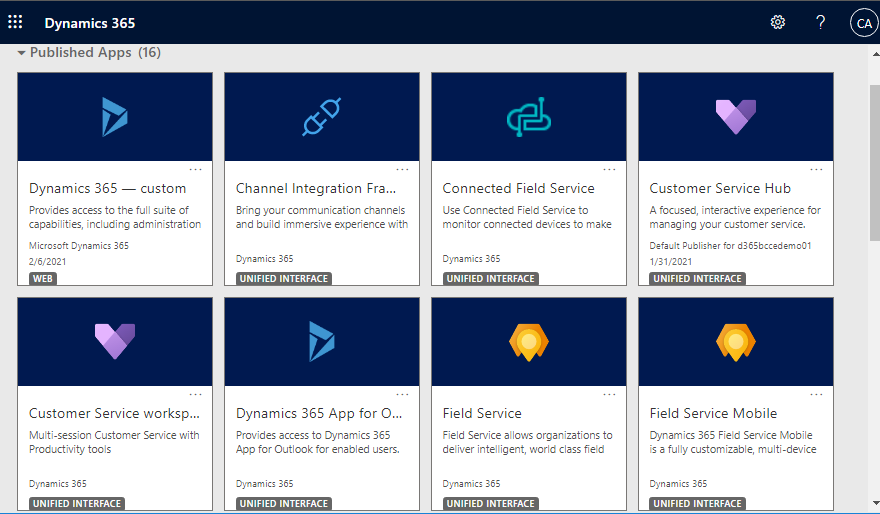
D365BCとD365Salesとの連携(2)

前回に続き、今回はDynamics 365 Salesのフリートライアル申し込みとユーザーロールの設定です。勢いあまって他のCRM系アプリ(Field ServiceとかCustomer Servic

続きを読む
2021年2月2日 SIN

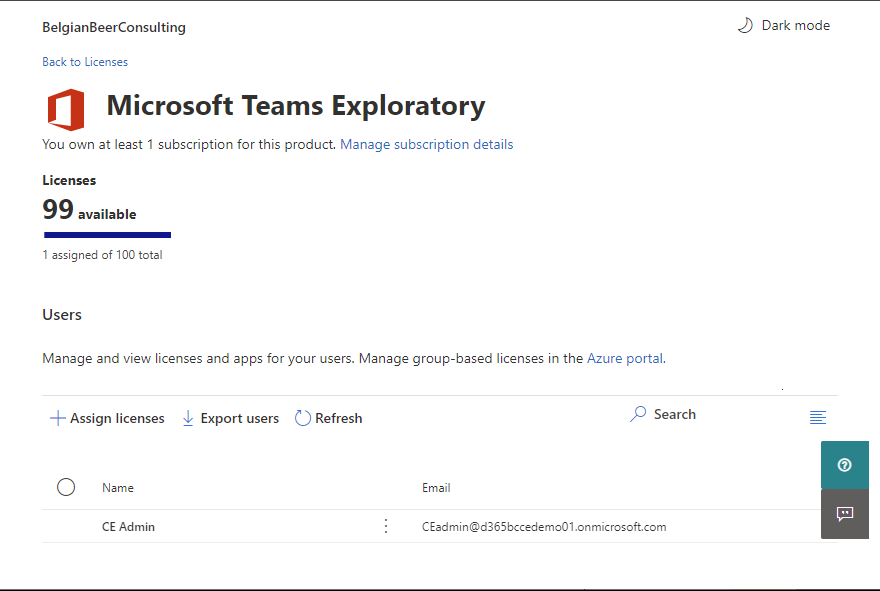
D365BCとD365Salesとの連携(1)

D365BCにはD365Salesとの連携機能があり、BCとSalesのデータを連携して同期させたりすることが出来ます。数年前からある機能で過去に説明記事を書いたこともありますが、CDSがDatave

続きを読む
2021年1月25日 SIN

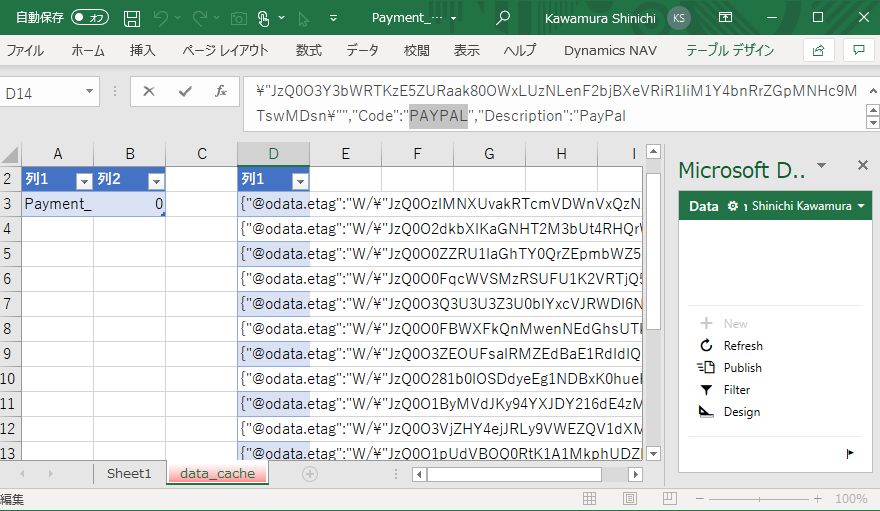
Looking at the back of Edit in Excel of D365BC

In this article, I will show you the backend process of Edit in Excel in D365BC. In the previous art

続きを読む
2021年1月25日 SIN

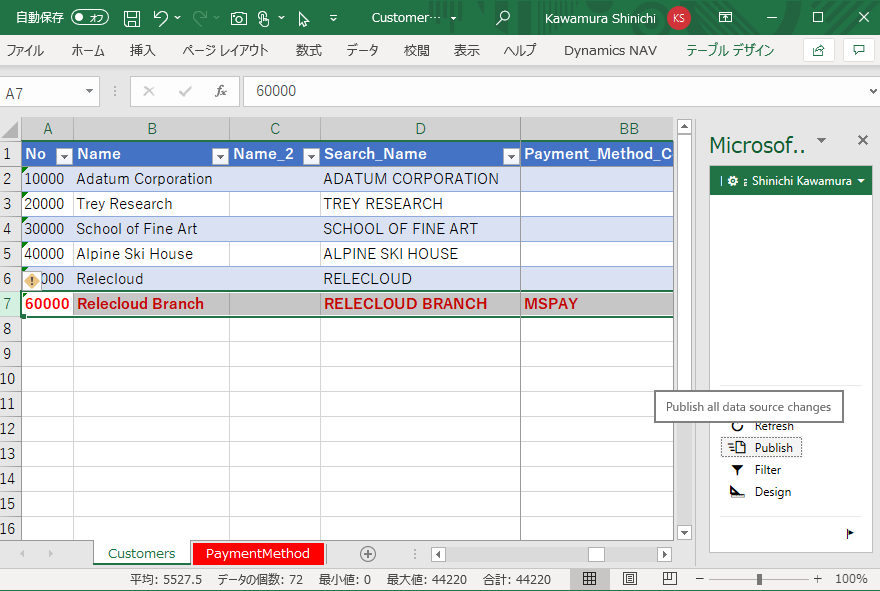
Update Multiple Tables Data with Edit in Excel of D365BC

Edit in Excel is a very useful tool that allows you to batch update various tables in BC from Excel

続きを読む
2021年1月23日 SIN

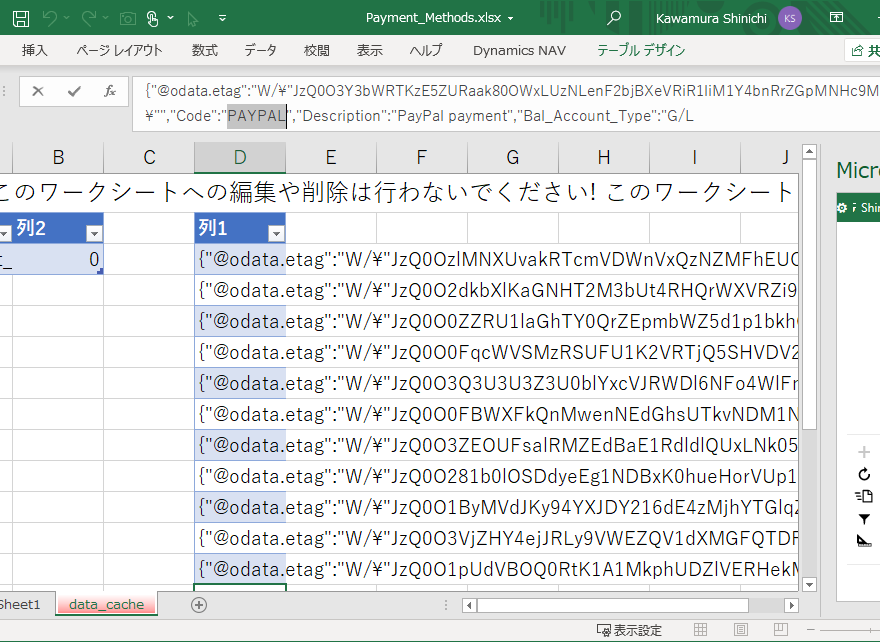
D365BCのEdit in Excel の裏側

今回はD365BCのEdit in Excelの裏側を紹介します。前回の記事では Edit in Excel のデザイン機能を使用して複数のテーブルを更新する方法を紹介しました。Edit in Exc

続きを読む
2021年1月22日 SIN

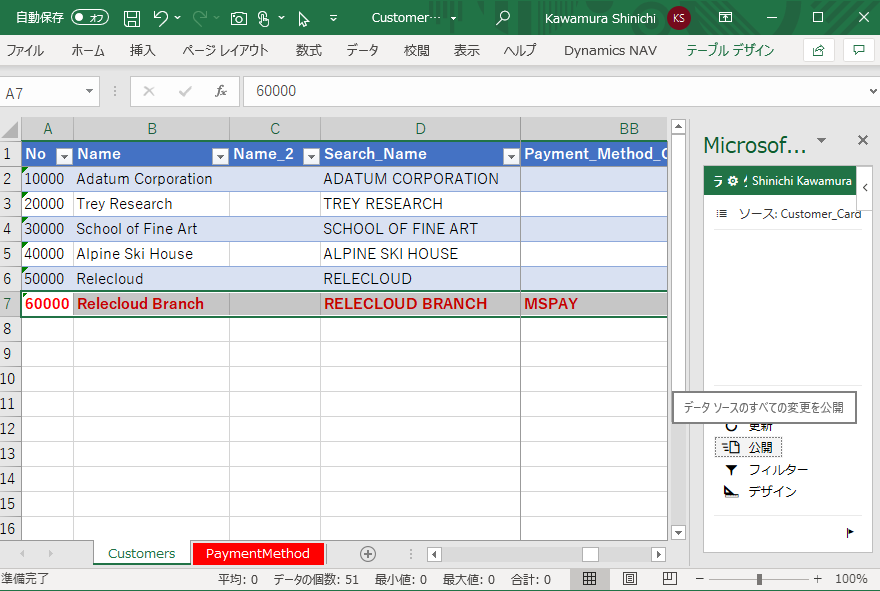
D365BCのEdit in Excel で複数のテーブルを更新する

Edit in ExcelはBCの各種テーブルをExcelから一括更新できるという非常に便利なツールです。ただし、既定では1つのExcelから1つのテーブルしか更新できません。これを1つのExcelブ

続きを読む
2021年1月21日 SIN

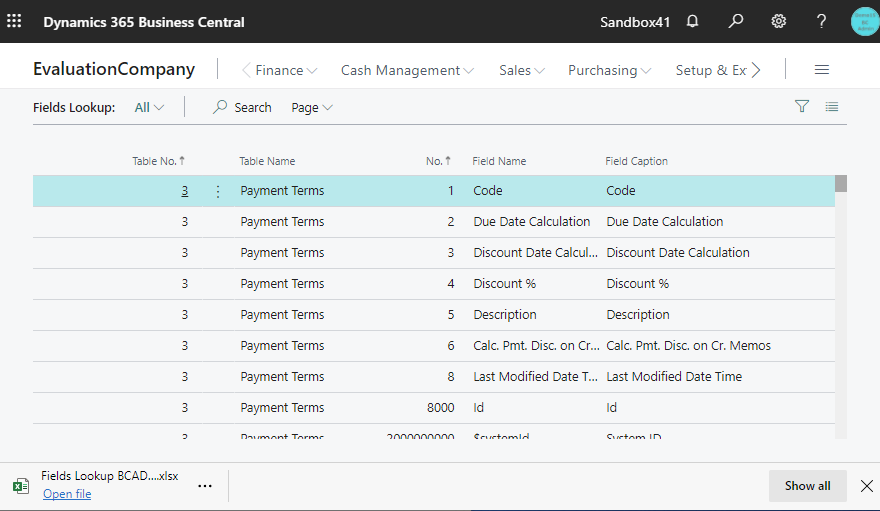
How to get all fields name list of tables in Business Central

In a recent blog post, I was asked how to get the list of all field items in a table. So I will show

続きを読む
2021年1月20日 SIN

D365BC テーブル項目一覧の取得方法

先日の記事でテーブルの項目一覧をどうやって取得するか?という質問を受けたのでTipsを紹介します。答えを最初に書くと、URLに引数としてページ番号を指定できるので、Page=9806を指定するだけです

続きを読む

投稿のページ送り

«前の記事 1 … 13 14 15 16 17 … 21 次の記事»

最近の投稿

  • D365BC 源泉徴収税機能(1)
  • D365BC 品目系の仕訳帳の承認機能追加
  • D365BC 既存環境をPreviewバージョンに上げる
  • Azureクレジットを別のテナントに移す
  • D365BC Agent用の容量

人気記事

まだデータがありません。

最近のコメント

  • D365BC 棚卸仕訳帳のEdit in Excel に D365BC 棚卸仕訳帳などでEdit in Excelが可能に | IT長のネタ帳 より
  • Office365のForms機能でアンケートを作成する(1) に #001 AutomateでForms回答有無の収集 | pp365 より
  • Dataverseテーブルの変更をPower AutomateでBCに通知(2) に Dataverseテーブルの変更をPower AutomateでBCに通知(1) | IT長のネタ帳 より
  • Dataverseテーブルの変更をPower AutomateでBCに通知(1) に Dataverseテーブルの変更をPower AutomateでBCに通知(2) | IT長のネタ帳 より
  • How to Explore New Release Wave of Business Central に D365BC New VAT Date field on documents and entries | IT長のネタ帳 より

アーカイブ

  • 2026年3月
  • 2025年9月
  • 2025年8月
  • 2023年9月
  • 2023年5月
  • 2023年4月
  • 2023年1月
  • 2022年12月
  • 2022年9月
  • 2022年8月
  • 2022年6月
  • 2022年5月
  • 2022年4月
  • 2022年3月
  • 2022年2月
  • 2022年1月
  • 2021年12月
  • 2021年10月
  • 2021年9月
  • 2021年8月
  • 2021年7月
  • 2021年5月
  • 2021年4月
  • 2021年3月
  • 2021年2月
  • 2021年1月
  • 2020年10月
  • 2020年9月
  • 2020年8月
  • 2020年7月
  • 2020年6月
  • 2020年5月
  • 2020年3月
  • 2020年1月
  • 2019年12月
  • 2019年11月
  • 2019年10月
  • 2019年9月
  • 2019年6月
  • 2019年4月
  • 2018年12月
  • 2018年11月
  • 2018年10月
  • 2018年8月
  • 2018年7月
  • 2018年6月
  • 2018年4月
  • 2018年3月
  • 2018年2月
  • 2018年1月
  • 2017年12月
  • 2017年11月
  • 2017年10月
  • 2017年9月
  • 2017年8月

カテゴリー

  • Azure
  • Business Central
  • Dynamics NAV
  • Dynamics365
  • Excel Tips
  • Finance and Operations, Business Edition
  • Office365
  • Power Apps
  • Power Automate
  • Power BI
  • Power Platform
  • サイト構築

メタ情報

  • ログイン
  • 投稿フィード
  • コメントフィード
  • WordPress.org

サイト作成者プロフィール

MicrosoftのERPであるDynamics導入の仕事をしています。

WordPress Theme: ウェリントン by ThemeZee.